
Unveil Studio
Interactive installations & real-time media — Simone Franco, Berlin
01 / 03
ZKM / Schlosslichtspiele Karlsruhe — DM Award, 1st Prize
Particles Ensemble
First prize at the DM Award Karlsruhe (Kulturamt, Media Art Is Here, with ZKM) — concept and production by Overlapping Studio Berlin. By night, the palace façade itself becomes an interactive stage: visitor movement is tracked and turned into particle systems that grow denser and more alive as more people join in. Media scenography by Simone Serlenga, real-time motion design by Simone Franco.
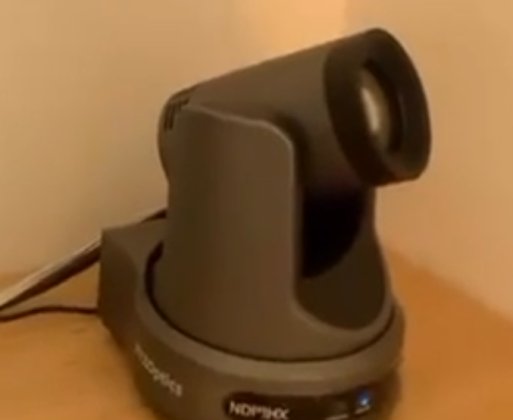
Camera control ran over the VISCA protocol: with AI as a co-pilot, a real-time system was built from scratch to drive the camera straight out of TouchDesigner. The whole project is free to dig into on Patreon.
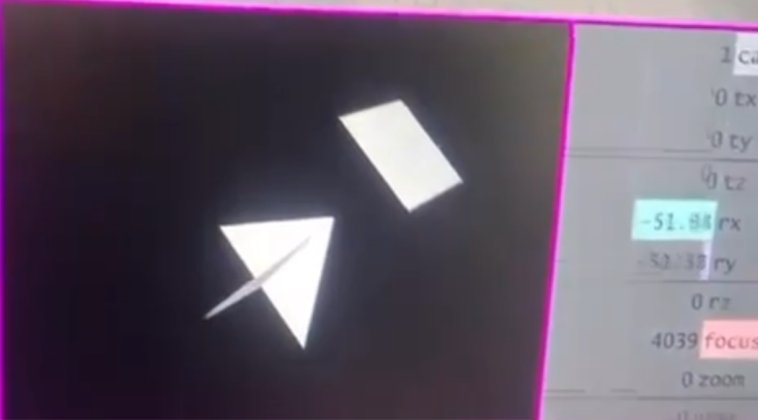
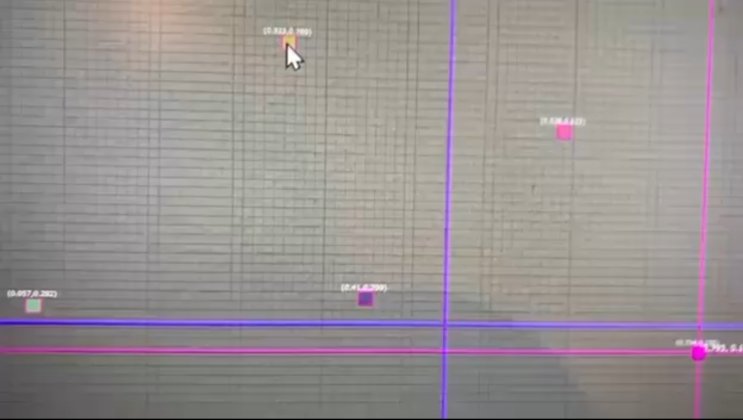
The technical part: tracking a moving crowd across a 28+ metre tracking area (the Karlsruhe Castle façade itself runs over 130 metres), from one single camera. AI vision was thrown at it — YOLO, Depth Anything, segmentation — and it failed, even against a 3D-simulated crowd built specially to test it. No AI could do that. So: just brains — this frame minus the last frame is the shape the particles emit from.
03 / 03
Immersive AI Exhibition
Hokusai
An immersive show built around Katsushika Hokusai — yes, the one with the Great Wave. Every backdrop was generated with InvokeAI — a genuinely excellent tool for building rich, controllable AI backgrounds, well worth supporting. The paintings themselves were brought to life locally with Wan2.1 through ComfyUI, on a single RTX 4090.
The technical part: 62GB of RAM, 24GB of VRAM, both maxed out — the machine locked up solid, but kept rendering anyway. Every animated painting: 1024×1024.


Real-Time AI Pipeline — NPU / iGPU / dGPU
Morpheus Cam
A webcam feed turned into a live hallucination: depth pulled from your own body modulates the noise seed of a Stable Diffusion Turbo pipeline, running straight on the NPU. Every chip on the laptop earns its keep — NPU, iGPU and discrete GPU, three different pieces of silicon, one single frame.
Three chips, one frame:
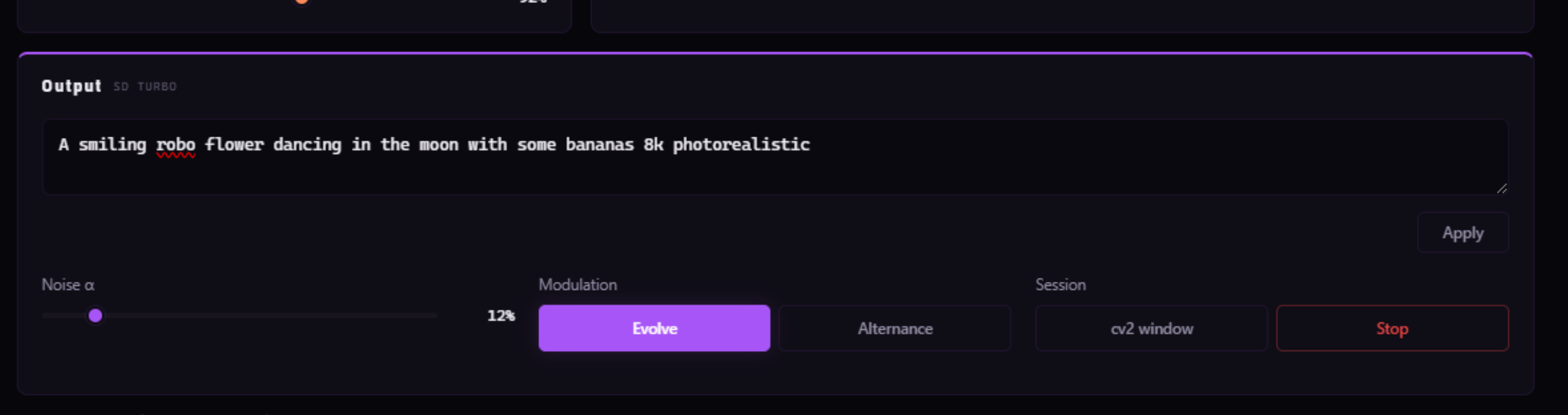
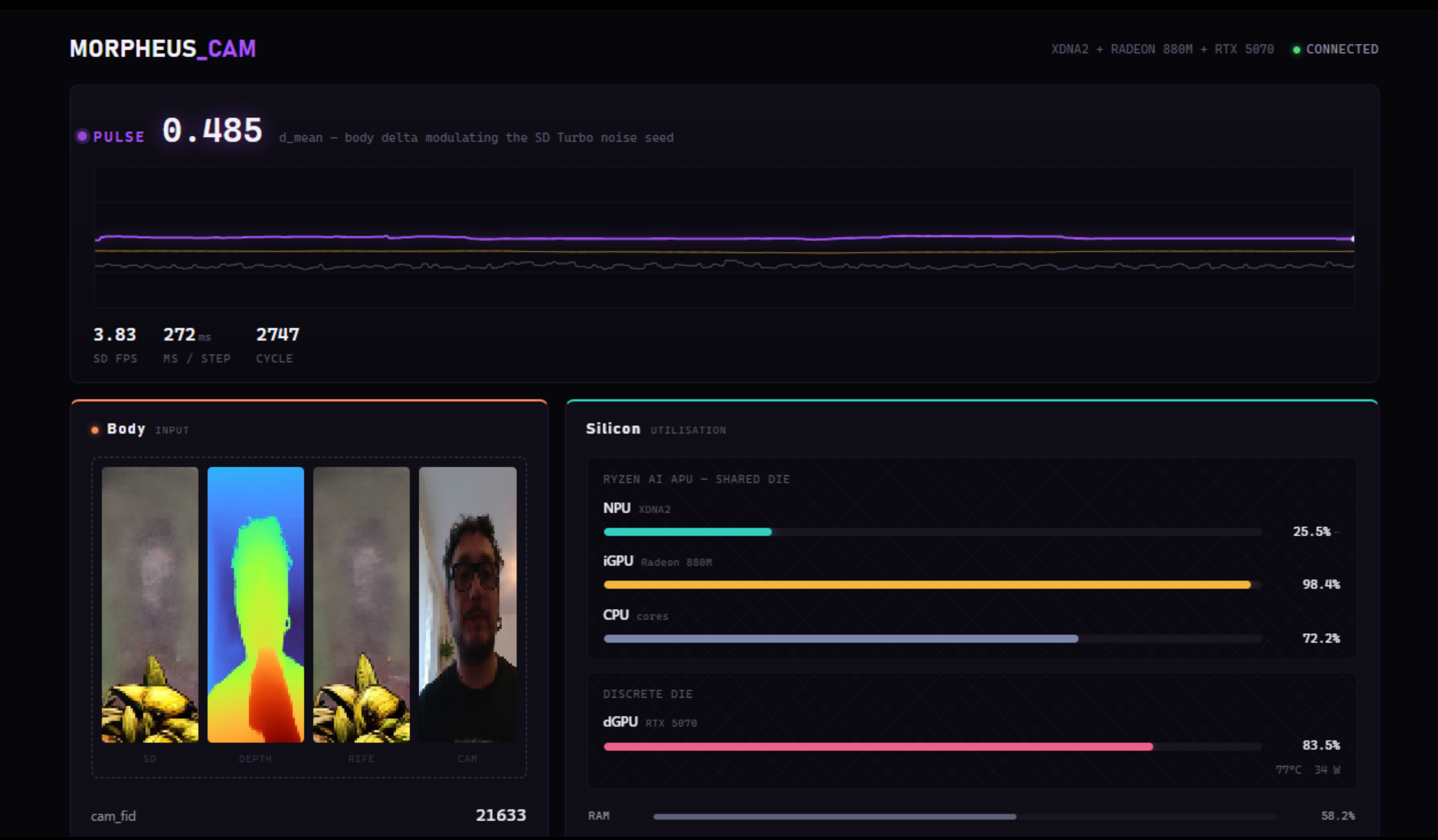
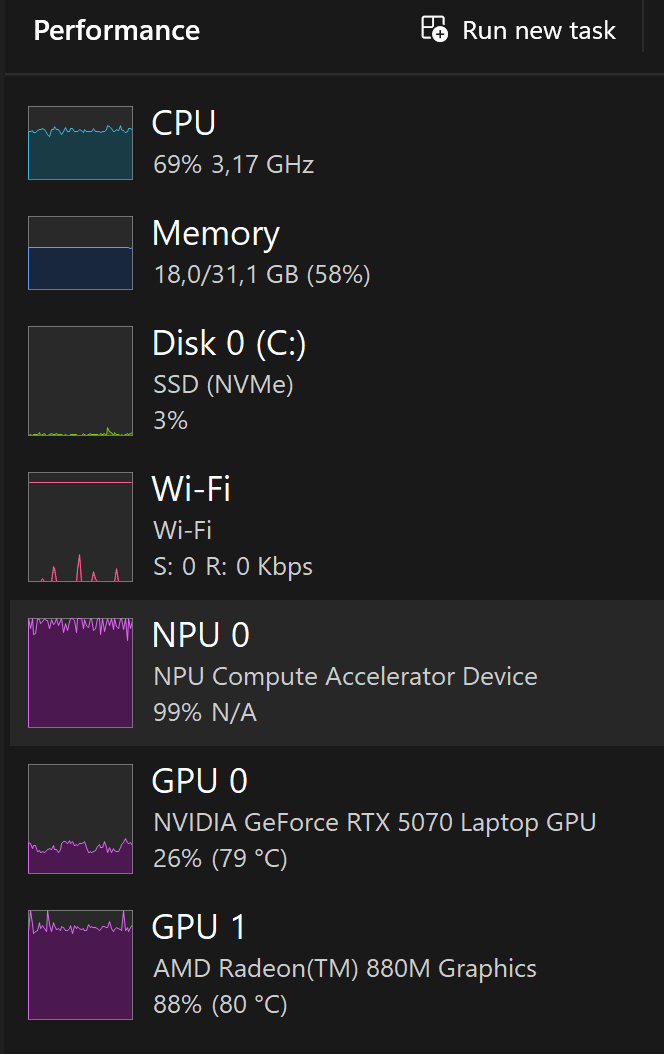
The receipts: NPU, iGPU and dGPU all pinned near 100% at once. AI is finally why you paid for all that silicon.
The technical part: this doesn't travel well. Two conda environments, a specific NPU SDK, a hard-coded device ID for hybrid AMD+NVIDIA laptops — clone it onto anything else and it won't boot. Same class of hardware — an AMD Ryzen AI NPU paired with an NVIDIA GPU — and it's worth a try.
Real-Time WGSL Compute Shaders — AMD iGPU · SHM / Spout / NDI
wgsl-shm
Fourteen WGSL compute shaders running on the AMD integrated GPU — the chip nobody asks about — dispatched straight into TouchDesigner, OBS or Resolume over shared memory, Spout or NDI. A browser panel drives every parameter live over WebSocket, and the shader source itself can be hot-swapped mid-performance. Built to become a proper VJ instrument.
One pipeline, three stages:
The numbers: 4K plasma at up to 140fps, 4K raymarching at 60fps — on the integrated GPU everyone ignores, the one that came free with the CPU.
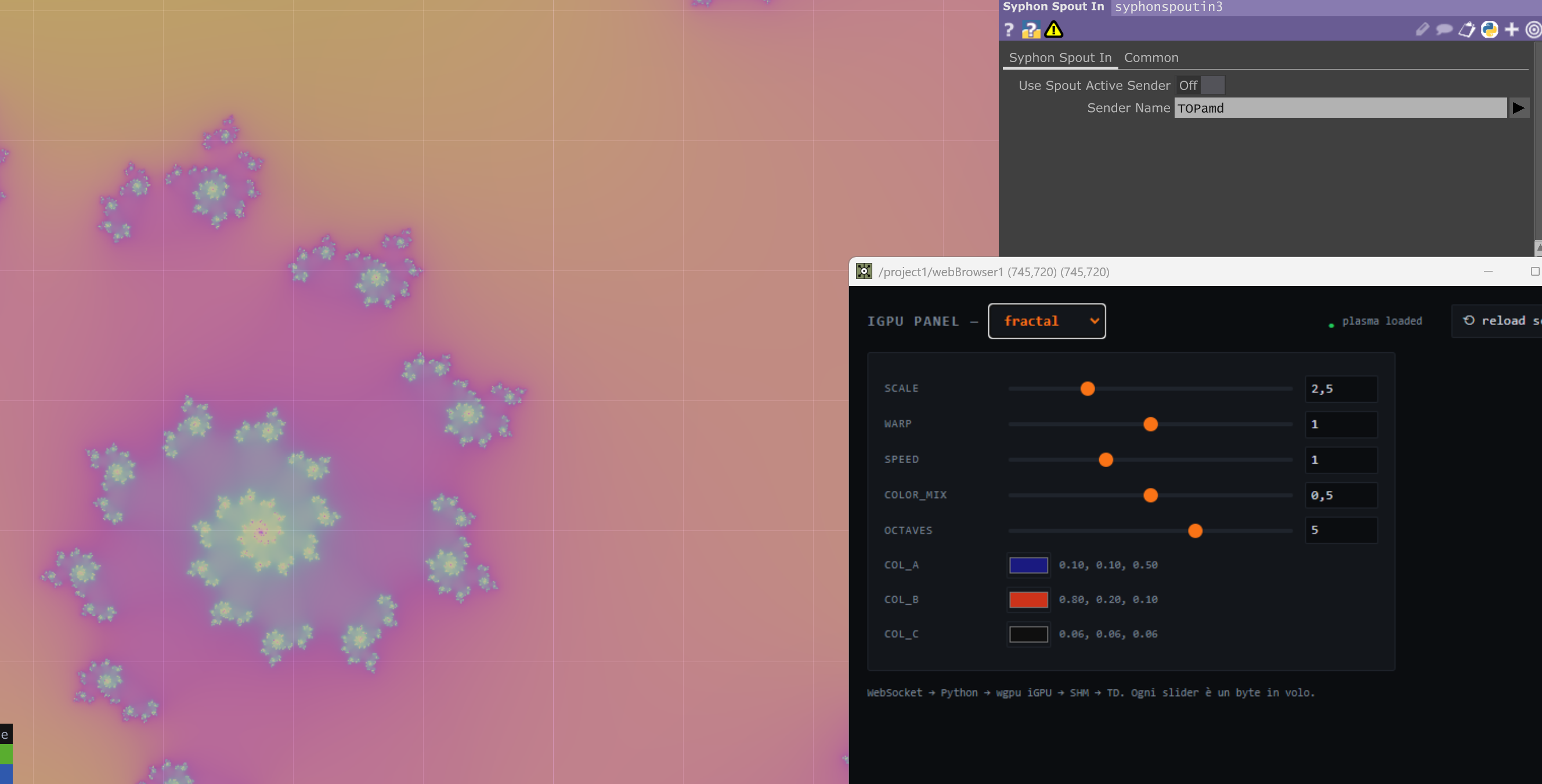
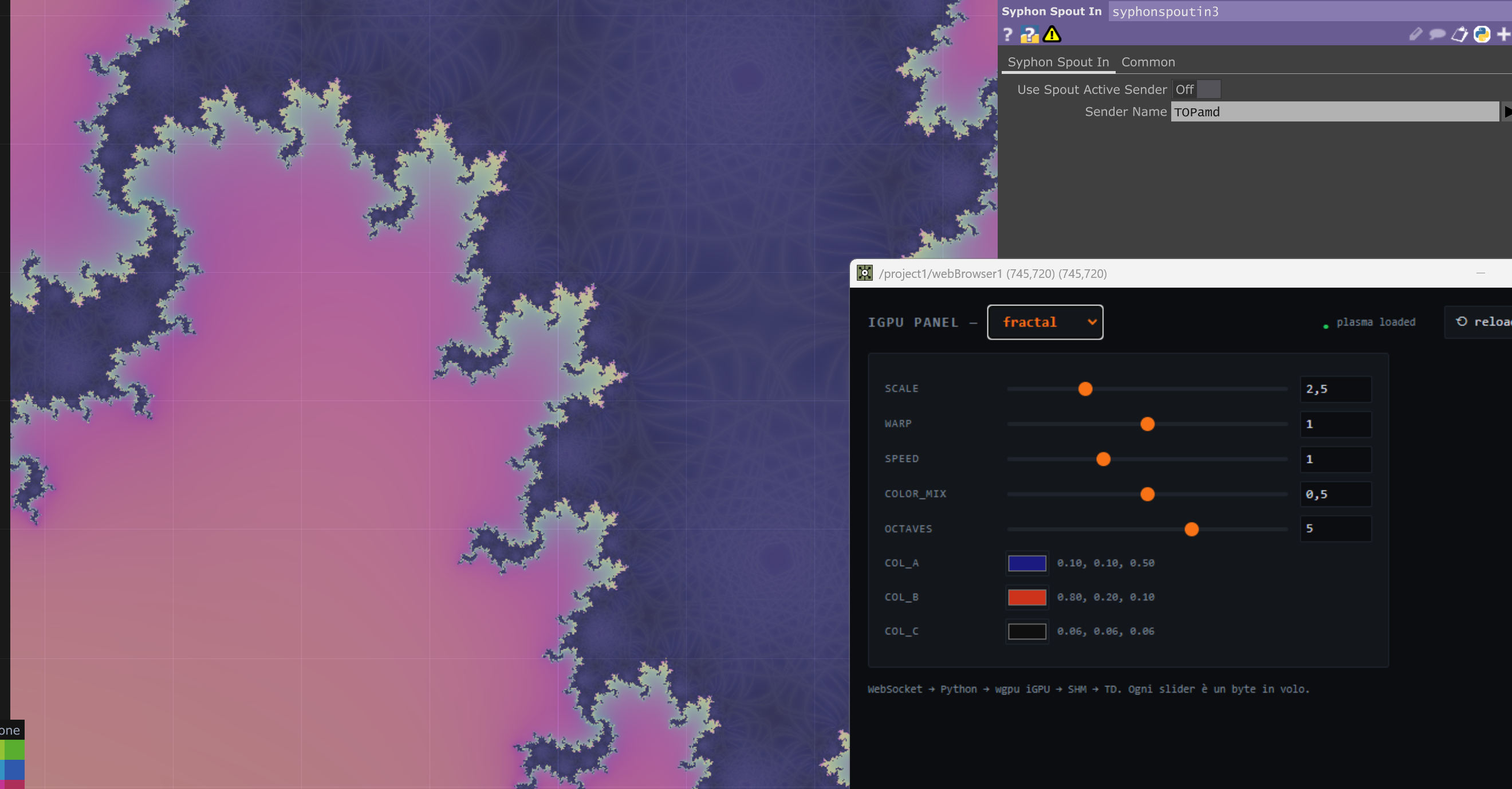
Handy for a VJ set: control runs over WebSocket and OSC on the LAN, so one panel can drive several machines at once. Turn an old PC into a dedicated NDI background generator — or finally put every GPU in your laptop to work, live.
Custom TouchDesigner Operator — C++ / CUDA / XPBD
ClothPOP
A custom POP for TouchDesigner that turns incoming point geometry into real-time simulated cloth — an XPBD solver running entirely on the GPU in CUDA, no CPU fallback. Stretch and bending, pins, welded seams, self and object collision, rigid clusters, volume and inflation, all painted as point attributes upstream. Signed, licensed, shipping.
What's under the hood:
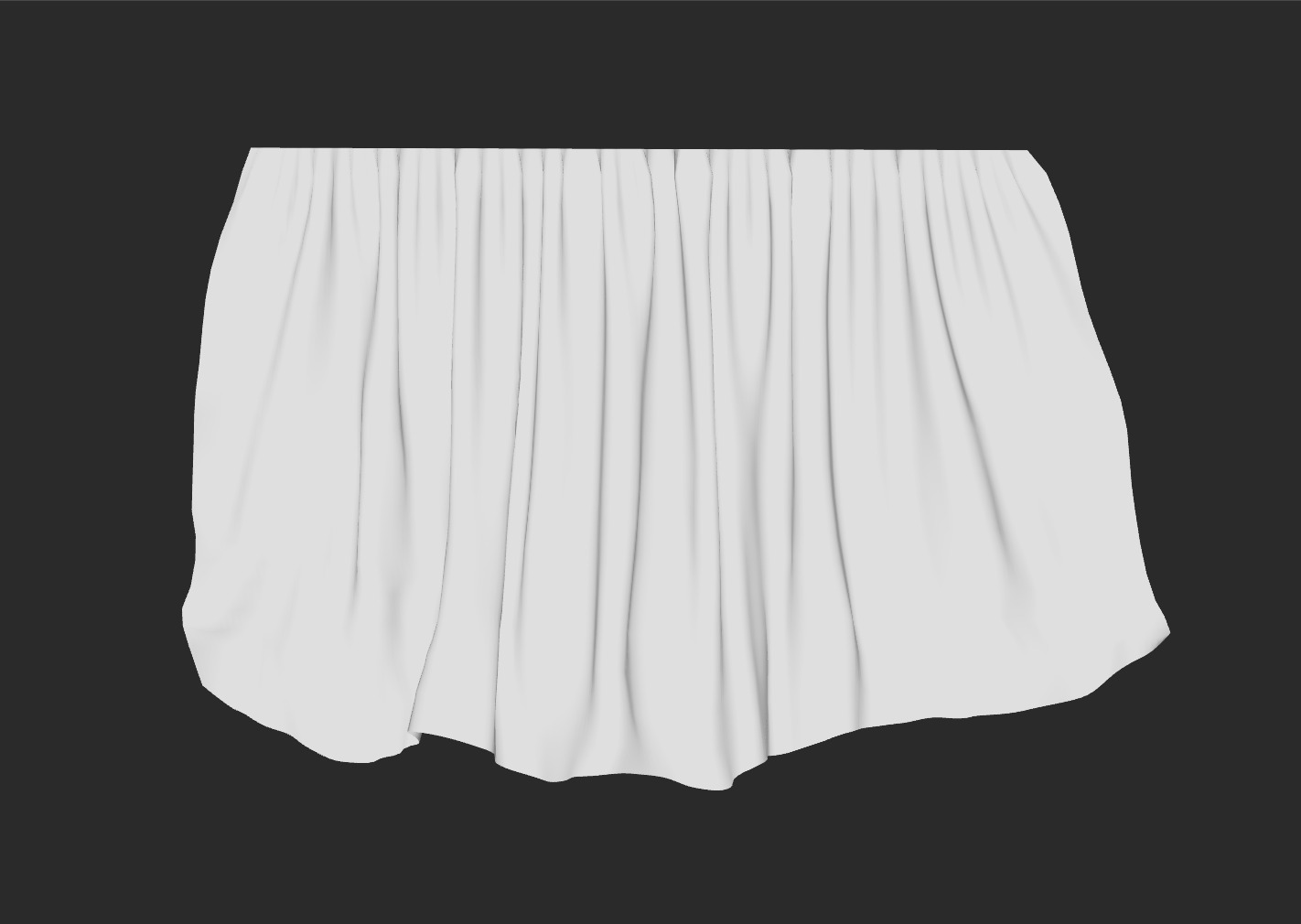
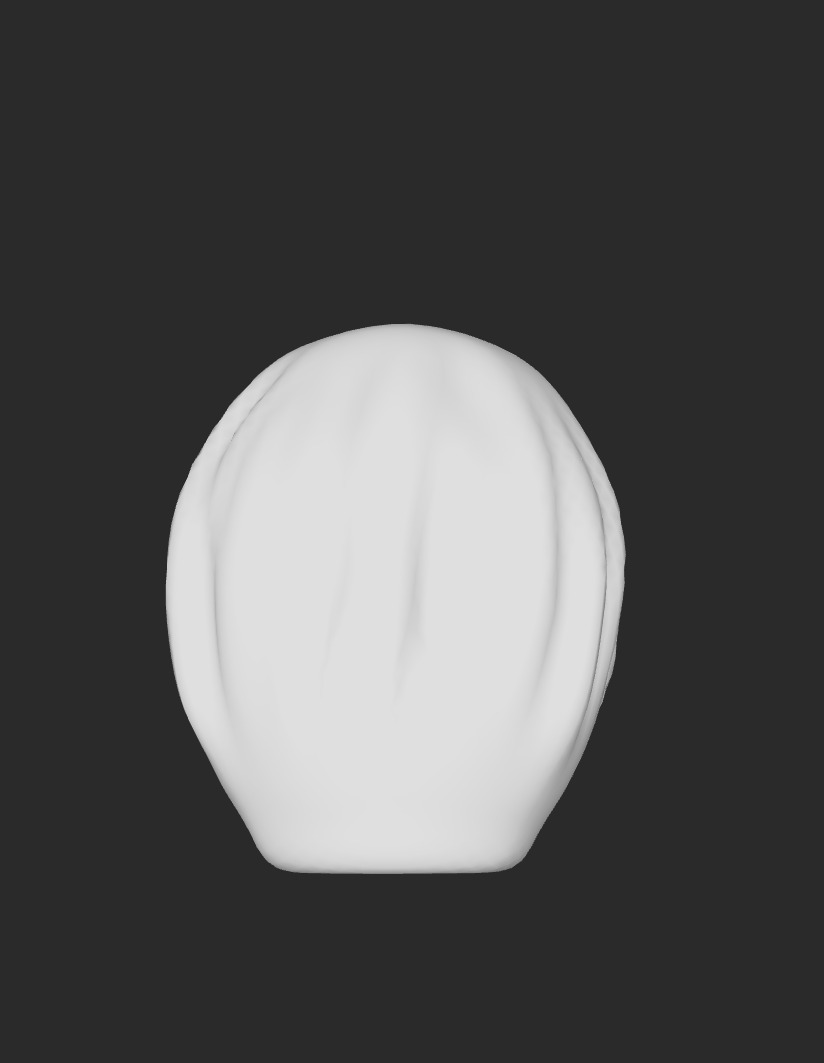
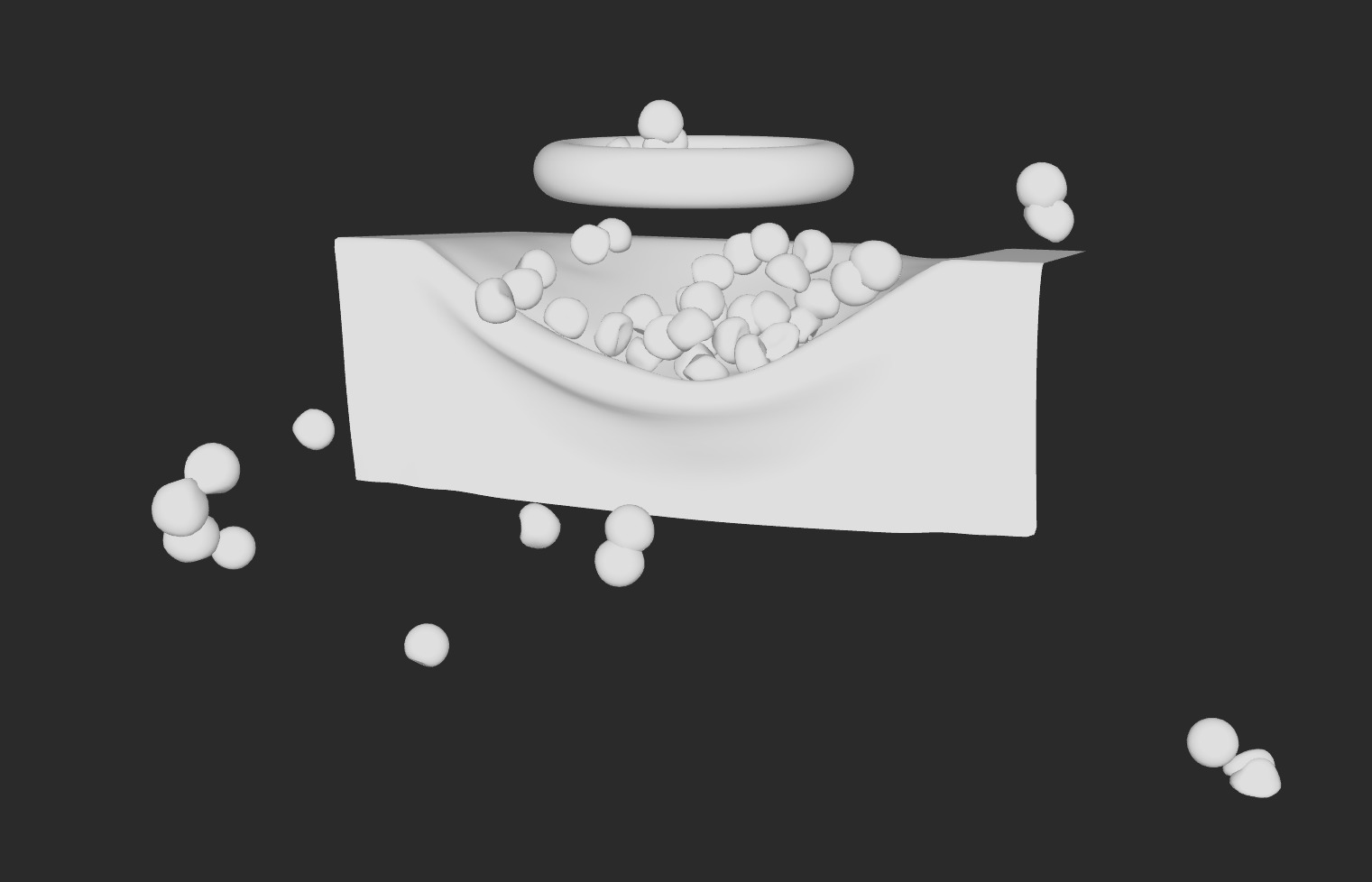
The technical part: fast enough to disappear. Wire any POP chain that outputs primitives straight into it — pins, welds, collisions, rigid clusters are just point attributes painted upstream, nothing to rig, nothing to configure — and the plugin does the rest. Plug and play, and cloth simulation stops being an engineering problem.
Custom TouchDesigner Operator — C++ / CUDA / OptiX
RTX Render TOP
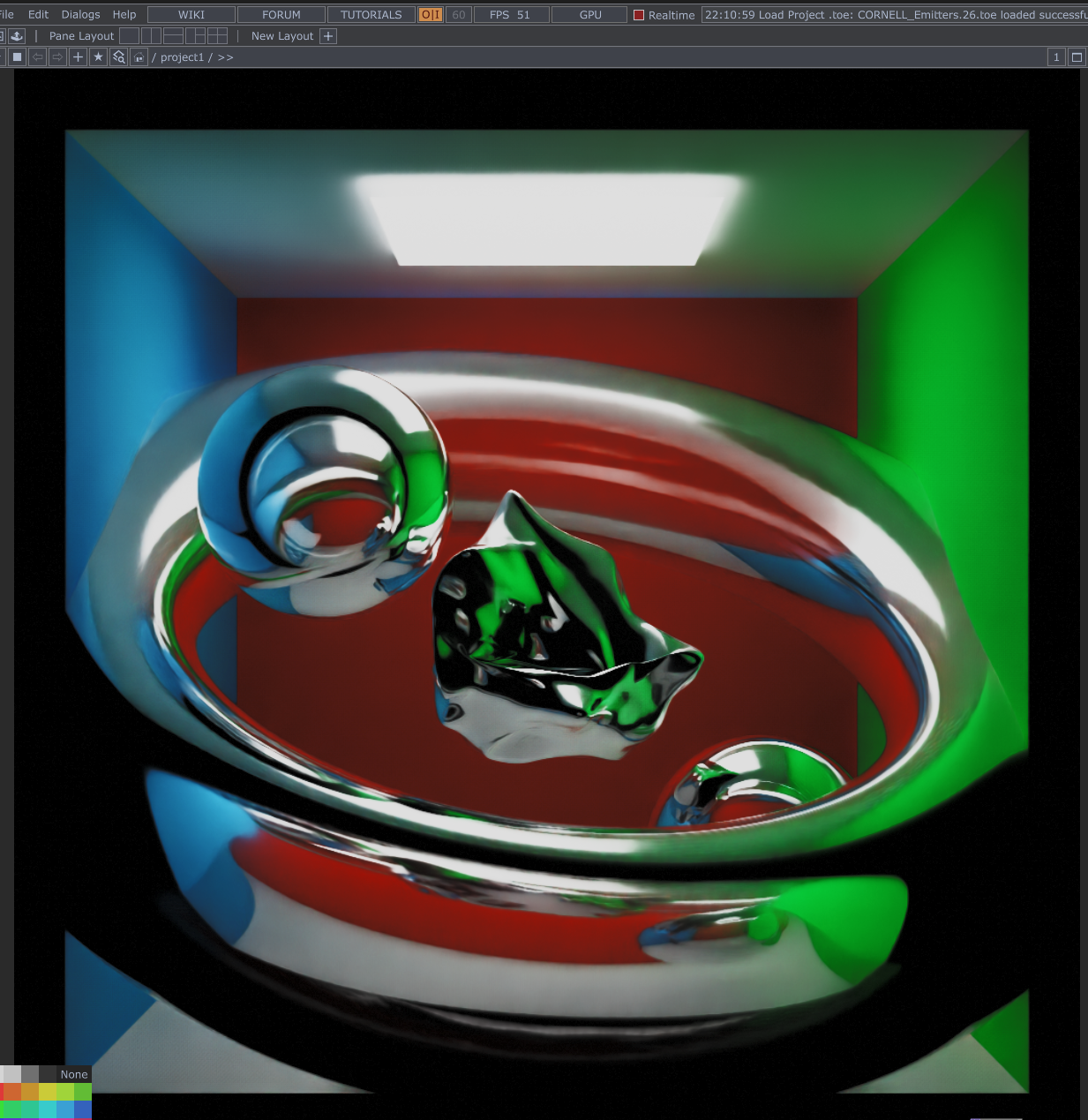
A GPU path tracer built as a native TouchDesigner operator — not a rasterizer with ray-traced shadows bolted on, the real thing. Geometry comes in through a POP or SOP, never a TOP: this thing eats attributes, not pixels. Up to 100 analytic lights, HDRI environments, emissive geometry, volumetrics, PBR materials — all denoised with DLSS Ray Reconstruction. Signed, licensed, shipping. Not a tech demo.
Five SDKs share one frame:
The same tricks modern videogames run on — just less forgiving:
All of it running on a small mountain of extra buffers, with BRDFs that only behave if they follow very specific rules.
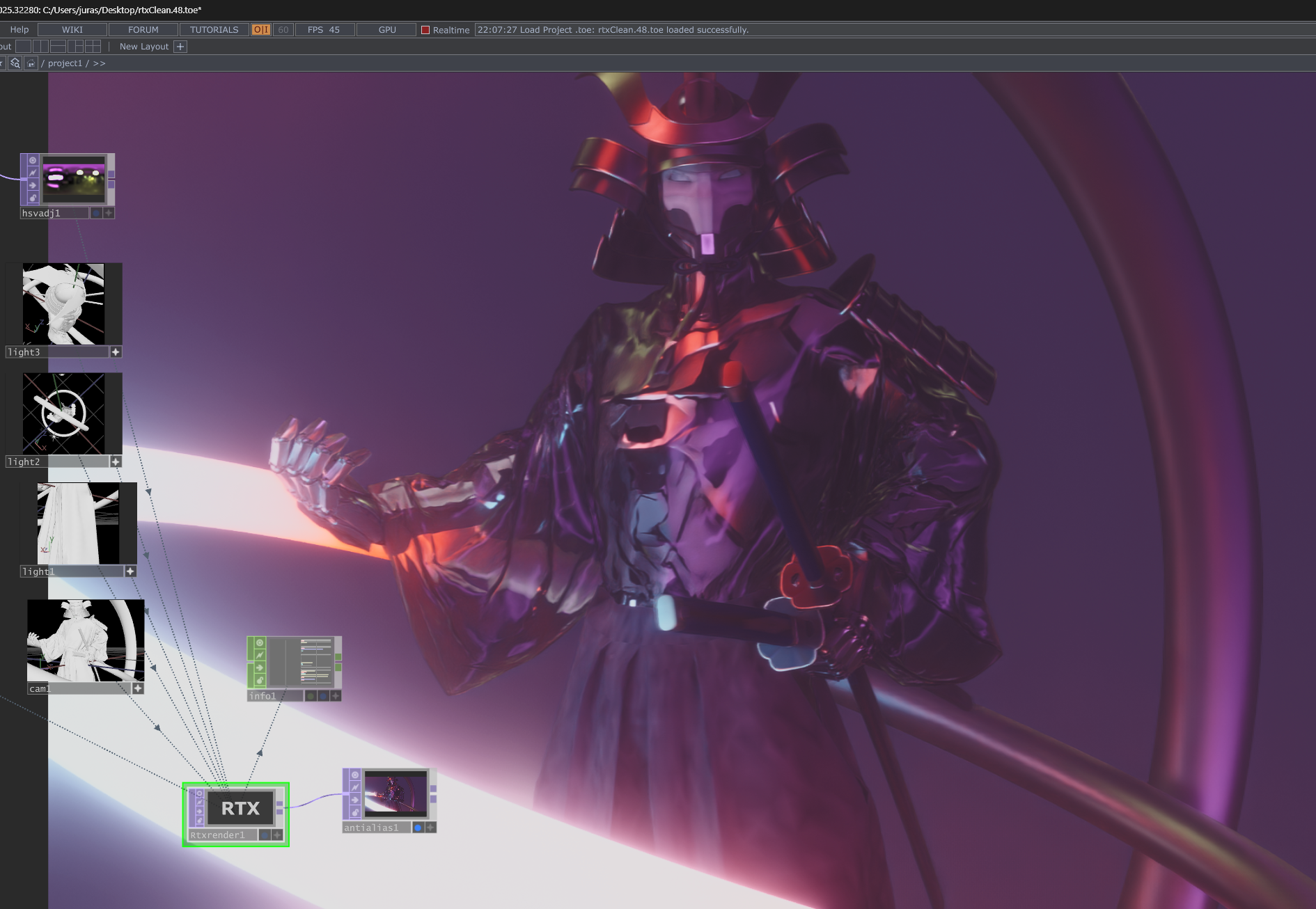
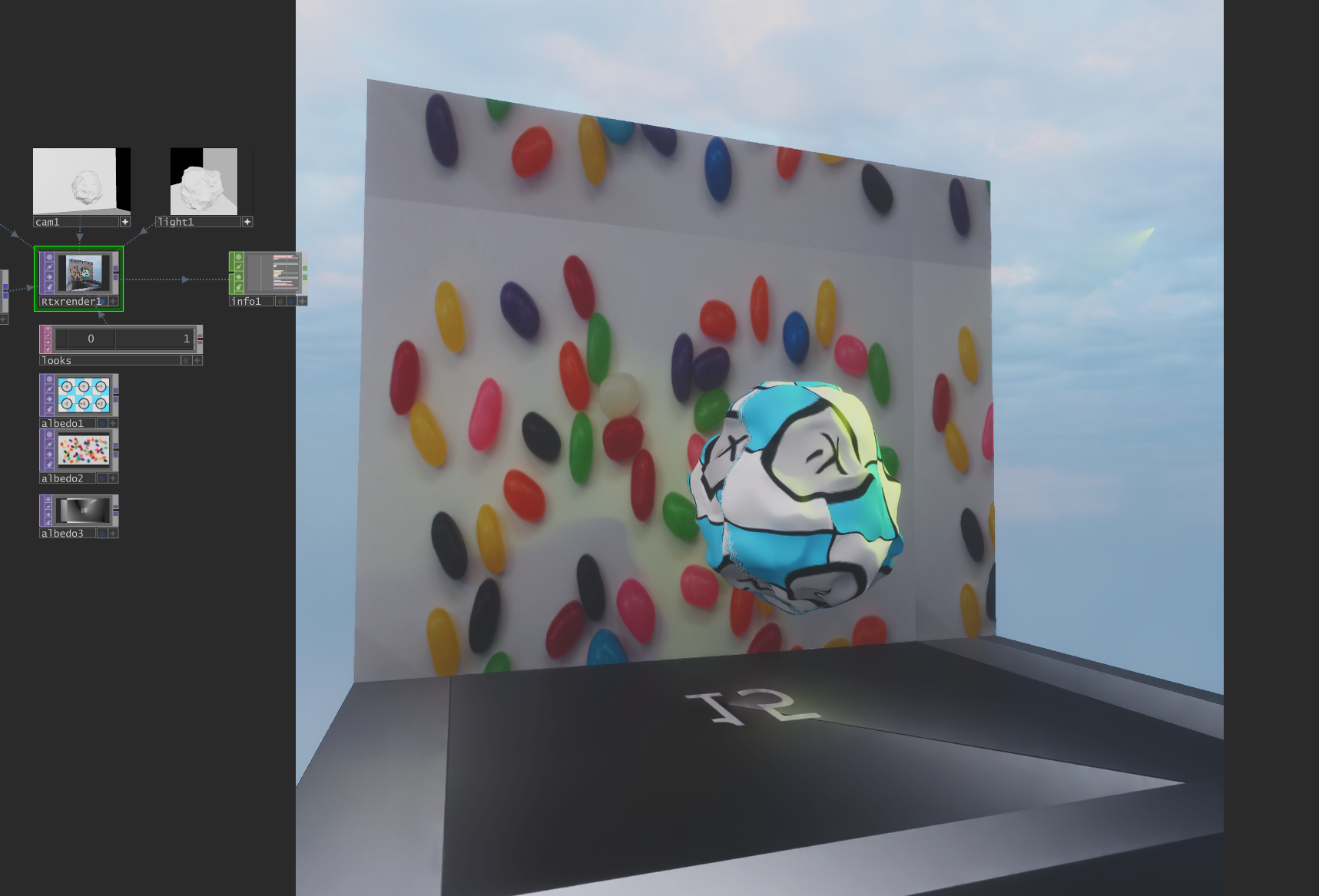
The technical part: every getPar call has to run before TouchDesigner's beginCUDAOperations. Get that ordering wrong and the cook lock deadlocks — the single hardest rule in the whole codebase, and the one that will find you at 2am.